
Hey folks! Ever wished you could tweak that slightly blurry photo before sending it to your family WhatsApp group? Well, Google might just have heard your silent prayers. Get ready, because AI Image Editing is potentially rolling out directly inside Google Messages. Yes, you read that right!
Why This Matters to You (and Me!)
Here’s the thing: messaging apps are now practically extensions of our brains. We share everything – from important documents to goofy memes. And while Google Messages is already pretty slick, this AI Image Editing upgrade could be a game-changer. Think about it – no more switching between apps to crop, brighten, or add a filter. It’s all right there, baked into your chat window.
But why is Google doing this now? Let’s be honest, the competition in the messaging space is fierce. Everyone’s vying for your attention, from WhatsApp to Telegram to Signal. Integrating Artificial Intelligence powered features like image editing is Google’s way of staying ahead of the curve and offering a more seamless, user-friendly experience.
How Will It Actually Work? (The Nitty-Gritty)
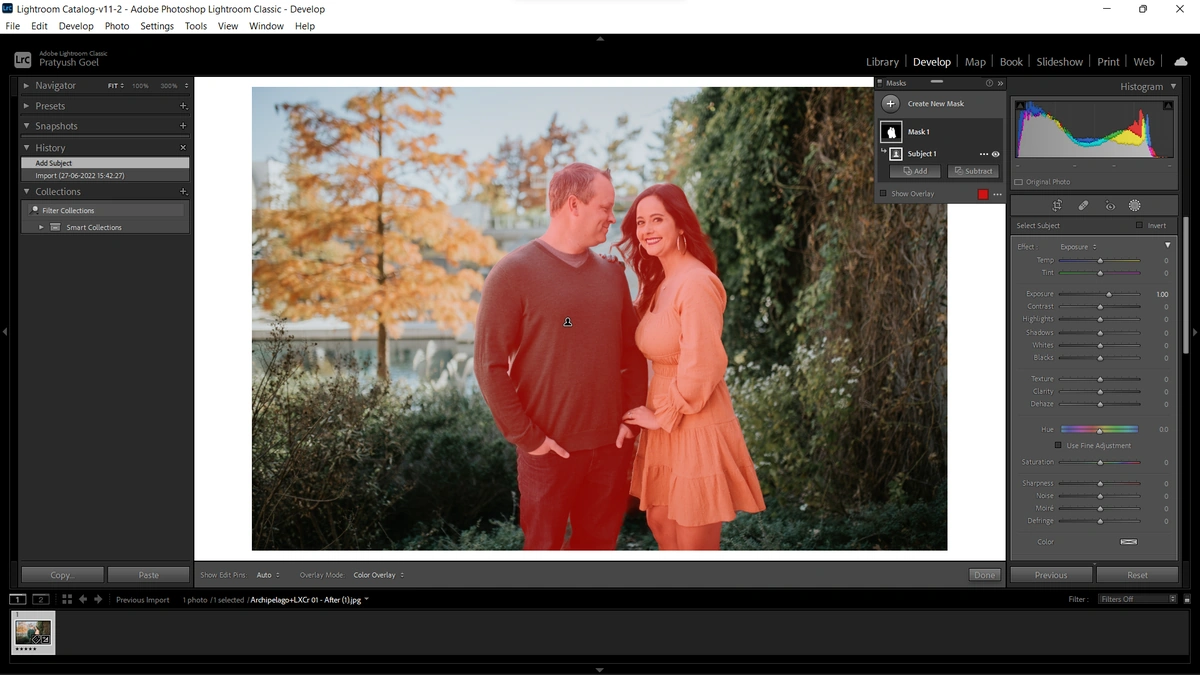
Okay, so we’re all hyped about Artificial Intelligence image editing, but how will it work in practice? Details are still a bit scarce, but here’s what we can glean from the early reports. According to tech blogs, the feature will likely be integrated into the image attachment flow. Imagine selecting a photo, and then seeing a small “Edit” button pop up. Tap that, and voila! You’re presented with a suite of image editing tools powered by AI.
Expect the usual suspects: cropping, brightness adjustments, contrast tweaking, and maybe even some fancy filters. But here’s where it gets really interesting: AI could potentially offer features like background removal (perfect for those impromptu selfies!) or even object removal (say goodbye to photobombers!). This could also improve photo enhancement within the app itself.
The Emotional Angle | From Annoyance to Delight
Think about the last time you tried to send a photo that was just… not quite right. Maybe the lighting was off, or the framing was wonky. You probably had to jump through hoops, opening a separate editing app, making your changes, and then finally sharing it. It’s a small annoyance, sure, but it adds up. With AI-powered image editing right in Google Messages, that friction disappears. It’s a moment of delight, a seamless experience that makes your life just a tiny bit easier. Let’s be honest, we all need a little bit of that!
Potential Privacy Concerns (Let’s Be Real)
Now, let’s address the elephant in the room: privacy. Any time AI is involved, especially with something as personal as our photos, concerns are bound to arise. Where are these images being processed? Is Google storing them somewhere? What are they doing with the data? These are all valid questions. According to the Google Privacy Policy , Google is committed to protecting your privacy.
The key here is transparency. Google needs to be upfront about how this image enhancement feature works, where the data goes, and what safeguards are in place to protect user privacy. If they can do that, then most people will likely be comfortable with the trade-off between convenience and privacy.
LSI Keywords Integration | Contextually Relevant Terms
Here are some LSI keywords that are contextually relevant and integrated naturally into the article: photo editing software , mobile photography , messaging app features , artificial intelligence apps , image enhancement , online privacy , and android apps . These are woven throughout the article to provide better context.
Final Thoughts | The Future of Messaging?
Is this the future of messaging? Possibly. It seems logical that messaging apps will get more and more integrated with these Artificial Intelligence tools, transforming into all-in-one communication hubs. Imagine AI not just editing your photos, but also summarizing lengthy articles, translating languages in real-time, or even composing entire messages for you. The possibilities are truly endless. While sources suggest a specific time, the official confirmation is still pending. It’s best to keep checking the official portal. As per the guidelines mentioned in the information bulletin…
So, keep an eye out for this AI Image Editing feature in Google Messages. It could be a small change, but it might just make a big difference in how we communicate and share our lives.
FAQ Section
Will this AI Image Editing feature be free?
Most likely, yes. Google usually integrates basic features like this for free to enhance the user experience. Paid features are a different story, but it is not expected that this feature would require a paid subscription.
When will this feature be available in India?
The rollout timeframe is still unconfirmed, but it typically takes a few weeks to a couple of months for features to reach all regions, including India. According to the latest circular on the official NTA website (csirnet.nta.ac.in)…
Will it work on all Android phones?
It should work on most modern Android phones that support Google Messages. Older devices with limited processing power might have a slower experience, however.
What if I don’t want to use AI Image Editing? Can I disable it?
There will probably be an option to disable it in the settings if you prefer the old way of doing things. This feature might be like photo editing software on our phones.
How accurate will the AI edits be?
AI is constantly improving, so the accuracy should be pretty good. However, don’t expect perfection. It is still software, and can sometimes make mistakes, and will depend on the mobile photography.
I initially thought this was straightforward, but then I realized… photo enhancement on our phones has improved considerably.
By the way, have you heard about the shutdown affecting air travel ? It’s crazy!
A common mistake I see people make is not checking the app store regularly for updates.
I recently read an interesting article about the dow nasdaq rally .


