

So, you’re still rocking Windows 10 ? Let’s be honest, many of us are. That little nag screen popping up asking you to upgrade to Windows 11 can be easily dismissed, especially when you’re in the middle of something important. But here’s the thing: ignoring it completely might not be the best strategy. I initially thought it was just another OS upgrade, but then I realized there are some serious implications for sticking with the older OS.
The question isn’t just, “Can I still use Windows 10?” It’s, “Should I?” And that’s where things get interesting. Let’s dive into why you might be tempted to stay put, and then, more importantly, explore why making the jump to Windows 11 might be crucial in the long run.
Why The Hesitation? Windows 10’s Comfort Zone
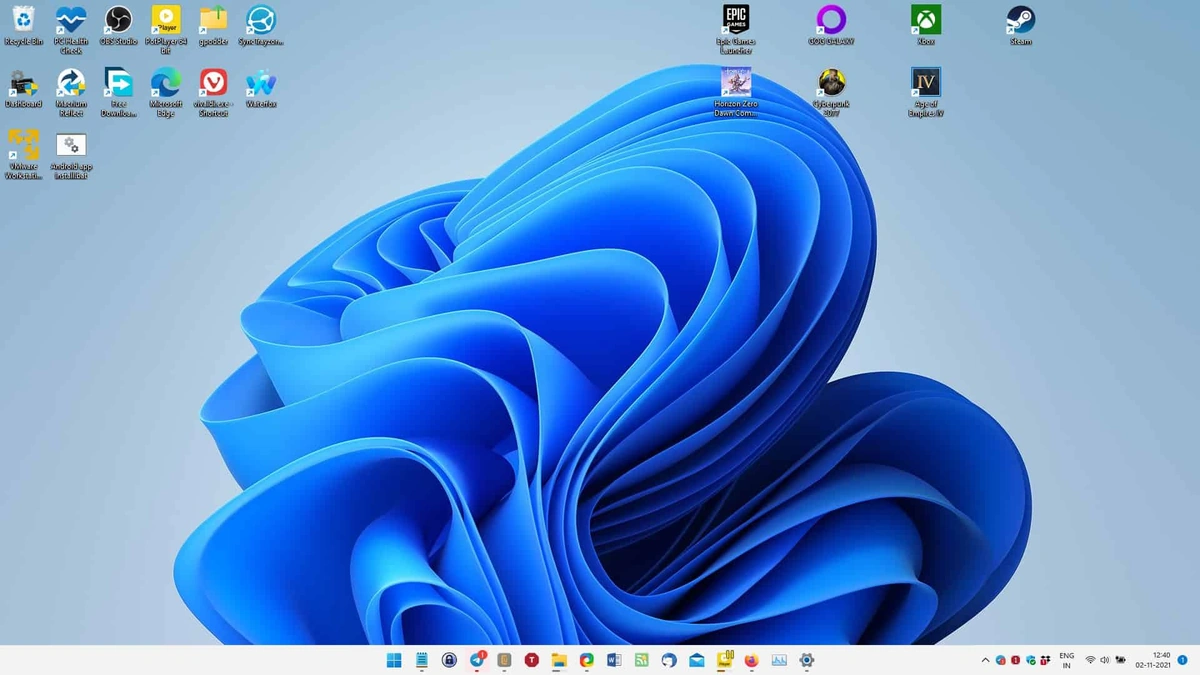
For many, the hesitation around upgrading to Windows 11 boils down to one word: familiarity. Windows 10 has been a reliable workhorse for years. It’s like that old pair of jeans – comfortable, predictable, and you know exactly what to expect. The interface is well-known, your apps work (mostly), and the thought of navigating a new operating system can feel like a chore.
And let’s not forget the initial reports of glitches and compatibility issues when Windows 11 first launched. These reports, even if now mostly resolved, created a perception of instability that lingers. Then there is the hardware requirement issue. People ask questions like, “Will Windows 11 even run smoothly on my current machine?” These concerns are valid and should be considered.
The Looming Deadline | End of Support for Windows 10
Here’s the thing that no one seems to want to talk about directly. Microsoft has announced that support for Windows 10 will end on October 14, 2025 . What does this mean for you? After that date, your Windows 10 machine will no longer receive security updates. This is a big deal. Think of it like this: continuing to use an unsupported OS is like leaving your front door unlocked – you are vulnerable to viruses, malware, and other online threats. It’s like driving without a helmet.
Ignoring security updates is a risk few can afford to take, especially if you use your computer for banking, online shopping, or anything involving sensitive data. So, while Windows 10 might feel comfortable now, it’s becoming increasingly vulnerable. You should start thinking about the windows 11 upgrade process .
Beyond Security | Why Windows 11 Matters for the Future
But it’s not just about security. Upgrading to Windows 11 is also about future-proofing your system and taking advantage of new features and technologies. Windows 11 offers a redesigned user interface, improved performance, and enhanced security features. The gaming performance also improves greatly .
Microsoft is constantly innovating and releasing new features and updates for Windows 11 . By sticking with Windows 10 , you’re missing out on these improvements and potentially limiting your ability to run the latest software and games. For instance, DirectStorage, a feature that drastically speeds up game loading times, is optimized for Windows 11 .
Think of it like this: technology moves forward. Software will eventually be made with Windows 11 in mind. Windows 10 compatibility won’t be a primary consideration. Eventually, you’ll hit a wall.
Making the Jump | Is Your System Ready for Windows 11?
Okay, so you’re starting to consider the upgrade. The first step is to check if your system meets the minimum hardware requirements. Windows 11 system requirements include things like a compatible processor, sufficient RAM, and enough storage space. Fortunately, Microsoft provides a tool called the PC Health Check app that can help you determine if your system is compatible. You can find this at the Microsoft official website .
A common mistake I see people make is rushing into the upgrade without backing up their data first. Before you do anything, create a backup of your important files and folders. This way, if something goes wrong during the upgrade process, you can restore your data without losing anything.
You should also research common Windows 11 installation issues . Knowing what to expect can save you major headaches.
Alternatives to Upgrading
Let’s be honest – maybe your hardware really can’t handle Windows 11 . If that’s the case, you have a few choices. Consider a new computer, or explore lightweight Linux distributions that can breathe new life into older hardware. These provide a secure, updated environment without the resource hog that a modern Windows OS can be.
Another choice, of course, is to do nothing, and cross your fingers that all your important data remains safe after 2025. But you are here because you are smart, and want to explore better options.
Ultimately, the decision to stick with Windows 10 or upgrade to Windows 11 is a personal one. However, it’s essential to weigh the risks and benefits carefully. While Windows 10 might feel comfortable and familiar now, it’s becoming increasingly vulnerable and outdated. Upgrading to Windows 11 offers enhanced security, improved performance, and access to the latest features and technologies. So, take the time to assess your needs and make an informed decision. You might just be surprised at how much you like the new OS. And now, with your operating system updated , you can enjoy new technology to the fullest.
FAQ About Switching To Windows 11
What happens when Windows 10 is no longer supported?
Your computer will no longer receive security updates, making it vulnerable to threats.
Can I upgrade to Windows 11 for free?
If your system meets the requirements, the upgrade is generally free.
Will all my programs work on Windows 11?
Most programs should work, but it’s always a good idea to check compatibility beforehand.
What if I don’t like Windows 11 after upgrading?
You usually have a limited time to revert back to Windows 10.
Does upgrading affect my files?
Upgrading shouldn’t delete your files, but backing up is always recommended.
Is Windows 11 really that much better?
It offers improved security, performance, and a modern user interface, but it depends on your needs.


